Free dynamic QR code: how to change the link without reprinting your materials
Changed the link after your QR code was already printed? Learn the difference between static and dynamic QR codes, how to change the destination without reprinting and which materials bring in customers, with Flyb’s free tool.
In this post
- Static vs. dynamic QR codes: what's the difference
- When you'll need to change the destination
- The other side: finding out which materials bring in customers
- How to create your free dynamic QR code on Flyb
- Before you print
- From QR code to sale
- Frequently asked questions
- Is Flyb's dynamic QR code really free?
- I need more than 3 QR codes. What can I do?
- Do free QR codes expire or show ads?
- Can I turn a static QR code into a dynamic one?
- Do dynamic QR codes work on any phone?
- How many times can I change the destination?
- Do I need a website to use a trackable QR code?
- Can I see who scanned the QR code?
- Can I use my own Google Analytics?
- Can I change the u.flyb.app address after printing?
- Create your first dynamic QR code now
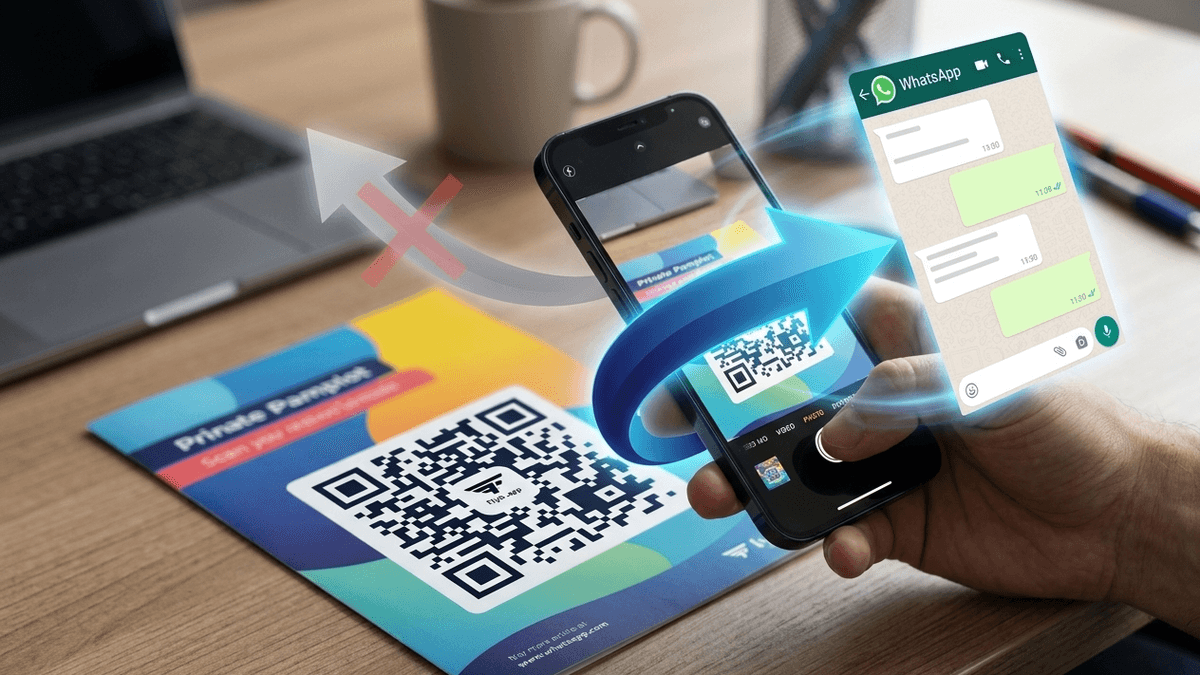
You printed a thousand flyers with a QR code that takes people to your WhatsApp. Two weeks later, you changed your number. Or the promotion ended. Or your website went down. The flyers still look great, but the QR code now sends customers to the wrong place, or nowhere at all.
This happens because most QR codes are static: the address is stored in the code itself. To change it, you have to generate a new code and print everything again.
There is another type of QR code that solves this problem and also shows how many people scanned each piece of material. In this article, you will learn how it works and how to create yours for free on Flyb, without signing up for a paid plan.
Static vs. dynamic QR codes: what's the difference
A static QR code stores the final address inside the pattern of squares. When someone scans it, the phone opens that address directly. It's simple and it works, but it has two limits. The destination can never be changed, and you have no way of knowing how many people scanned it.
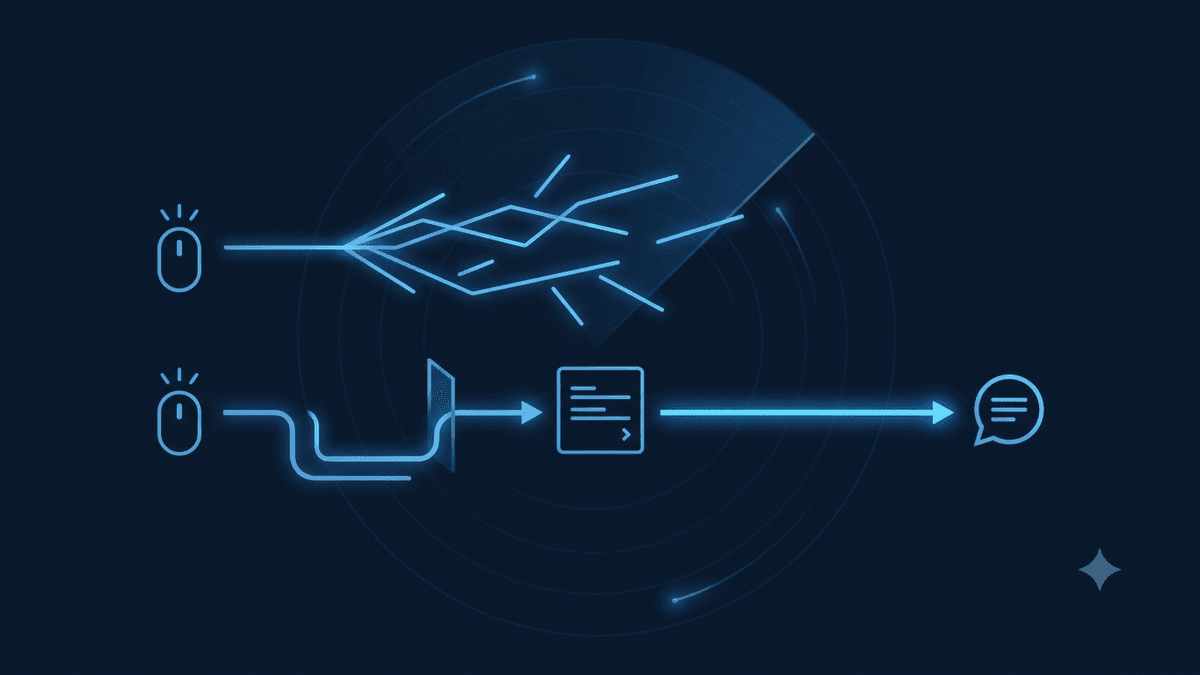
A dynamic QR code stores an intermediate link that you control. When someone scans it, that link redirects them to the destination you chose. Since the redirect is set up in a dashboard, you can change the destination whenever you want. The QR code itself stays exactly the same, and your printed materials keep working.
Because every visit goes through that intermediate link, it's also possible to count how many times it was used. That's why dynamic QR codes are often called trackable QR codes.
The same logic applies to regular links. A trackable link in your Instagram bio, in an ad or on your website can have its destination changed without editing every place where it appears.
When you'll need to change the destination
It may seem like a rare situation, but for a business it happens often. A few examples:
- New WhatsApp number. Your old number was blocked, the business switched to a dedicated business number or a new team member started handling customers.
- End of a promotion. The QR code used to point to your Mother's Day campaign page. Now it can point to the next campaign, from the same flyer or window sticker.
- New website. You switched platforms or domains, and all your business cards still point to the old address.
- Broken page. A page went down and you need to send customers somewhere else while you fix it.
- Testing. You want to know whether customers respond better when they go straight to WhatsApp or when they first see a page with your services and prices.
In all of these cases, a static QR code means reprinting. With a dynamic one, the change takes a few seconds.
The other side: finding out which materials bring in customers
Being able to edit the destination gets most of the attention, but tracking is often even more useful day to day.
Imagine you handed out flyers in two neighborhoods, left business cards at a partner store and put a sticker on your shop window. If they all use the same QR code, you know customers came in, but not where they came from. If each piece has its own trackable QR code, you find out exactly which one works and where it's worth investing in the next print run.
The rule is simple: one QR code for each piece of material or distribution point. Flyers for neighborhood A, flyers for neighborhood B, business cards, the shop window, the menu. They can all lead to the same WhatsApp, but each one counts its own visits.
How to create your free dynamic QR code on Flyb
Flyb's trackable links and QR codes tool is free and doesn't require a paid plan. All you need is a free account. You can create up to 3 QR codes, which never expire, never show ads and come with a visit report in Analytics. Three codes are enough to compare, for example, your flyer, your business card and your window sticker. Here's how:
- Create your free account on Flyb.
- Create a new trackable URL and choose where the link leads: any web address (your website, a campaign page, an online menu), a WhatsApp chat with the message already typed or your team's booking calendar.
- Name the link. The name is only for your own organization, such as "Downtown flyer - October". Customers never see it.
- Choose the link address. It follows the format u.flyb.app/your-address, and it's what goes inside the printed QR code. This is the one field worth thinking through: keep it short and use only lowercase letters, numbers and hyphens.
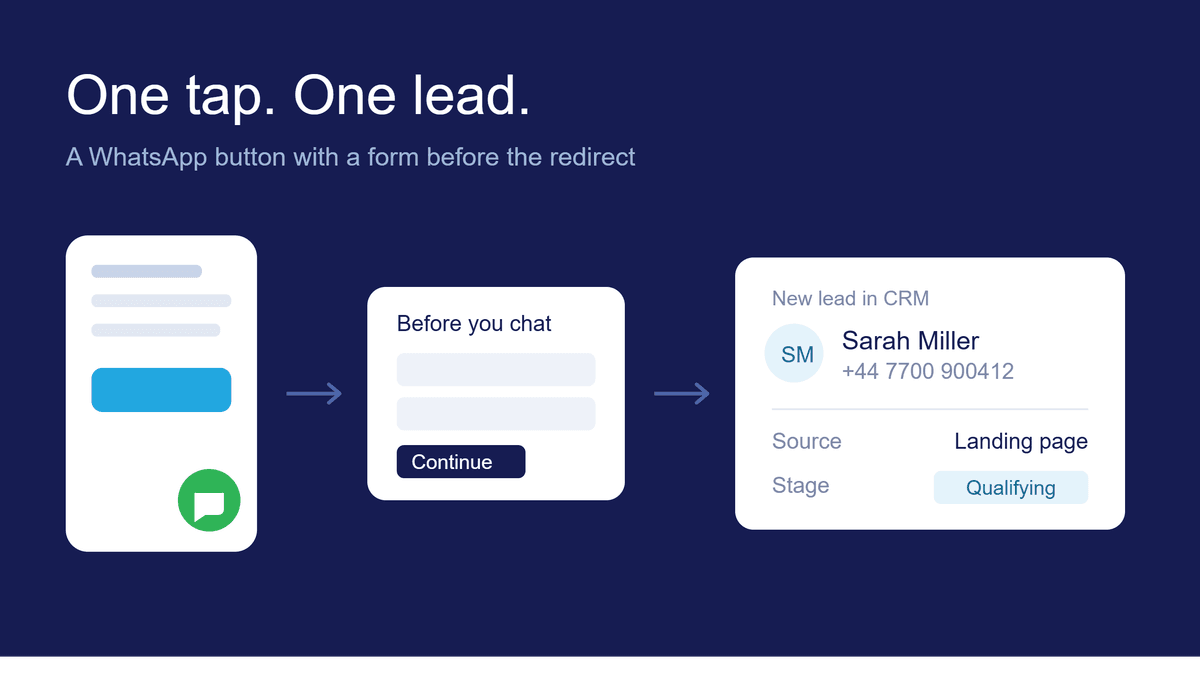
- Optionally, capture the contact before redirecting. Choose a form, and anyone who opens the link fills in their details before moving on to the destination. The contact goes into your CRM already attributed to that link.
- Create the link and download the QR code to use on your materials.
- Track visits in Analytics and change the destination whenever you need to. The printed QR code starts pointing to the new address right away.
Tip: if the destination is WhatsApp, use a different pre-filled message for each piece of material, such as "Hi! I saw your October flyer". On top of the visit report, whoever answers knows where the customer came from with the very first message.
If you already use Google Analytics or Google Tag Manager, you can add your own tags to the link and include UTM parameters. Visits are still recorded in Flyb Analytics as well.
Create your free account and generate up to 3 QR codes.
Before you print
A dynamic QR code solves the destination problem, but the code still needs to be easy to scan. Before sending your artwork to the printer:
- Test it on more than one phone, ideally an Android and an iPhone, using the final version of the artwork.
- Respect a minimum size. On materials read up close, like business cards and flyers, avoid QR codes smaller than about 0.8 inches (2 cm) per side. For materials read from a distance, like banners and shop windows, scale it up accordingly.
- Make sure there's enough contrast. A dark QR code on a light background is the safest choice. Avoid similar colors for the code and the background.
- Leave a clear margin around the code, with no text or images touching it.
- Say what happens when people scan. A short line like "Scan to chat with us on WhatsApp" increases the number of people who use the code.
It's also worth being careful with other free QR code generators. Some create dynamic codes that stop working after a trial period or start showing ads before the redirect. Read the terms before you print anything. On Flyb, free QR codes never expire, and people go straight to the destination, with no ads along the way.
From QR code to sale
Knowing how many people scanned each piece of material already helps a lot. But what really matters is how many of them became customers.
On Flyb, you can turn on contact capture right in the link. Whoever scans it fills in a quick form before moving on to the destination, and the contact goes into your CRM already attributed to that QR code. This works on the free account too, so you can find out which flyer brought in each contact without paying anything.
On the Plus plan, you connect your WhatsApp and the journey is complete. Automated replies answer right away, customers can book and pay in the same conversation, and you can follow everything, from the flyer in neighborhood A to the closed sale.
Frequently asked questions
Is Flyb's dynamic QR code really free?
Yes. All you need is a free account, with no paid plan. The free version lets you create up to 3 QR codes, with a visit report in Analytics.
I need more than 3 QR codes. What can I do?
The Plus plan lets you create up to 100 trackable links and QR codes, and the Prime and Enterprise plans have no limit. Paid plans also include WhatsApp integration, automated replies, booking with deposit payments and checkout. See the details on the pricing page.
Do free QR codes expire or show ads?
No. Flyb QR codes keep working with no expiration date, and people who scan them go straight to the destination, without any ads.
Can I turn a static QR code into a dynamic one?
No. The address of a static QR code is stored in the code itself. To get the benefits of a dynamic code, you need to generate a new one and use it from your next print run onward.
Do dynamic QR codes work on any phone?
Yes. For the person scanning, there's no difference between a static and a dynamic QR code. The camera reads the code and opens the link as usual.
How many times can I change the destination?
As many times as you need. The printed QR code stays the same.
Do I need a website to use a trackable QR code?
No. The destination can be your WhatsApp. If you have a website, built on Flyb or on another platform, it can be the destination too.
Can I see who scanned the QR code?
Analytics shows the number of visits for each link and QR code. To know who each person is, turn on contact capture for the link: people who scan fill in a form before moving on to the destination, and the contact goes into your CRM with its source recorded. On paid plans, conversations started on your connected WhatsApp also go into the CRM.
Can I use my own Google Analytics?
Yes. You can add your Google Analytics or Google Tag Manager tags to the link and include UTM parameters. Visits are still recorded in Flyb Analytics too.
Can I change the u.flyb.app address after printing?
What you can change at any time is the destination. The link address is what's stored in the QR code, so it's worth choosing it carefully before you print.
Create your first dynamic QR code now
Create your free account and generate up to 3 QR codes. They never expire, never show ads and you can change the destination as many times as you need.
Want to turn those visits into sales? On the Plus plan, you connect your WhatsApp, create up to 100 QR codes and get automated replies, booking and payments in one place.